Blog · November 2, 2026
How to Make a Horror Game: Fear, Sound and Pacing
To make a horror game, decide what kind of fear you want (dread, being hunted, the unknown, body horror or psychological unease), keep the scope small, build atmosphere with sound and lighting first, limit what the player can see and do, pace scares with long quiet stretches in between, and playtest with people who have never played it. Most of horror is anticipation. What the player imagines is usually scarier than anything you show them.
Horror is a great genre for small teams, because a short, tight experience in one location can be more frightening than a huge one. Here is how to build it.
Step 1: Choose your kind of fear
Different horror games scare in different ways. Pick one to focus on:
- Dread: a slow sense that something is wrong.
- Being hunted: a threat you cannot fight, only avoid.
- The unknown: strange places and rules the player does not understand.
- Psychological horror: unreliable memories, shifting rooms, questions about what is real.
- Survival horror: limited ammo, health and saves that make every choice tense.
Your choice shapes everything else, from the camera to the controls.
Step 2: Keep it small
A single house, a ship, a night shift in one building. A tight location lets you control every light and sound, and you can make it feel hand-crafted. Many memorable indie horror games are under two hours long. Write the location, the threat and the ending into a short game design document before you build anything.
Step 3: Take power away
Players feel scared when they feel vulnerable. Common ways to do that:
- No weapon, or a weak one.
- Limited light: a flashlight with a battery, a candle, a camera.
- A slower walk, or a run that runs out of stamina.
- Limited saves or checkpoints, used carefully so it stays tense rather than frustrating.
- A restricted view: tight corridors, fog, darkness.
Be careful not to make the controls clumsy. Fear should come from the situation, not from fighting the game.
Step 4: Sound does most of the work
In horror, sound is often more important than visuals. Build it early:
- Ambience: a constant low hum, wind, creaks, distant water.
- Silence: cut the ambience suddenly before something happens.
- Off-screen sounds: footsteps above, a door closing somewhere else.
- The threat's sound: give it a signature noise players learn to fear.
- Spatial audio: let players hear where something is.
Our guide to sound effects for indie games covers where to find free sounds and how to mix them.
Step 5: Light and darkness
Darkness hides your limited art budget and lets players fill in the gaps. Use pools of light to guide them, flickering lights to build tension, and colour to set the mood. Keep important paths readable. Players should be afraid of what is in the dark, not lost in it. Our level design basics guide explains how to guide players with light and landmarks.
Step 6: Pace your scares
A scare only works after a quiet stretch. A simple rhythm:
- Calm: exploration, story, small details.
- Build: a sound, a light going out, something moved.
- Peak: the threat appears, a chase, a reveal.
- Release: a safe room, a save point, a moment to breathe.
Use jump scares sparingly. One that is earned is memorable; ten in a row become a joke.
Step 7: Story through the world
Horror stories are often told through notes, recordings, objects and rooms rather than cutscenes. Let players piece the story together. A little mystery keeps them moving forward even when they are scared to.
Step 8: Playtest with fresh players
You cannot scare yourself with your own game. Watch new players, and note where they lean in, where they jump, and where they get bored or lost. Our guide on how to playtest your game explains how. If no one reacts at a moment you meant to be scary, change the build-up, not just the scare.
Making a horror game with Suma
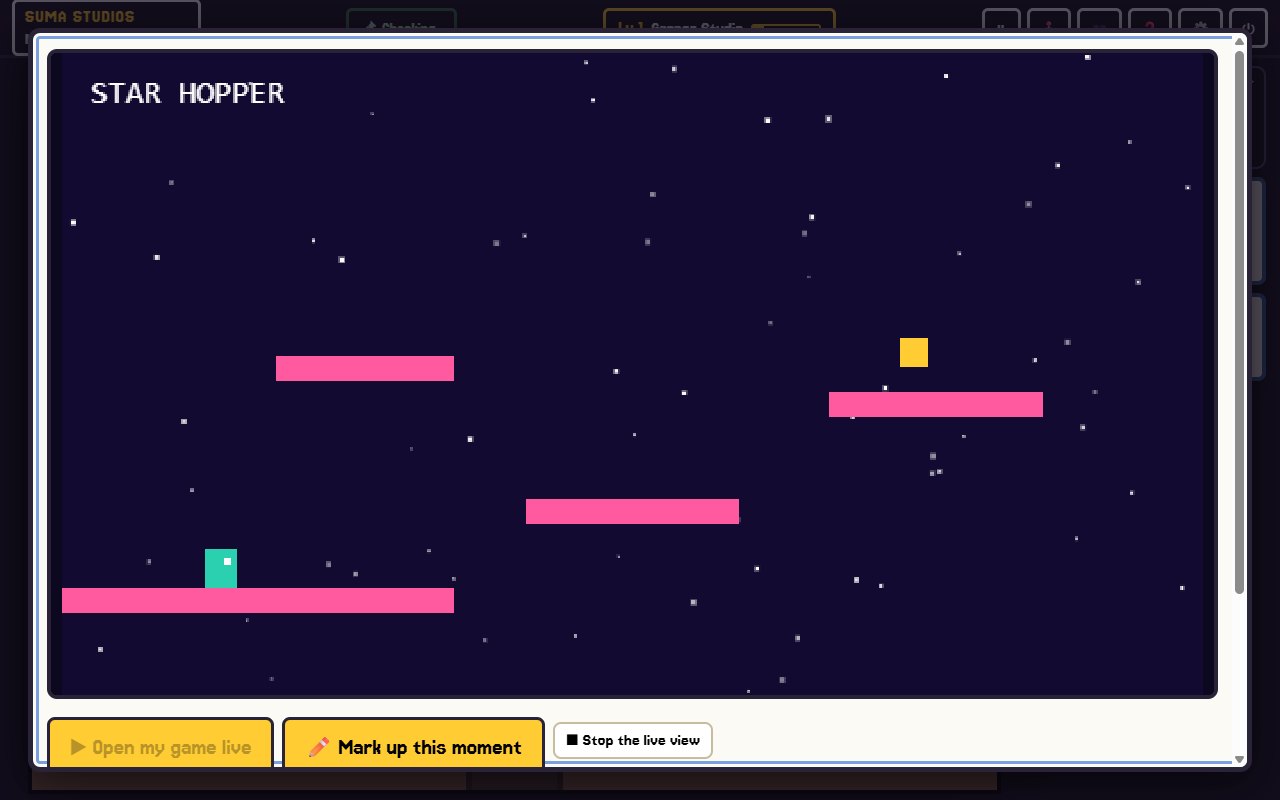
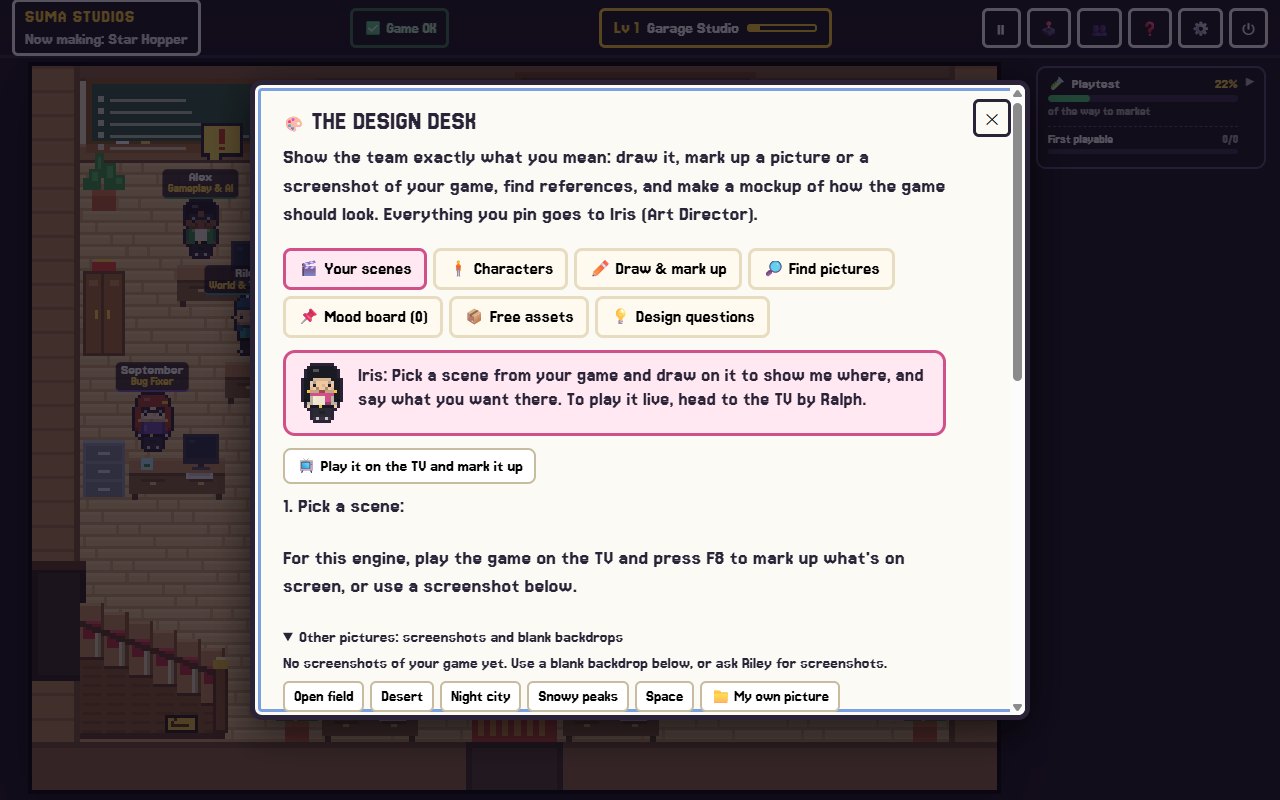
In Suma Studios, you describe your horror idea and the AI team builds it with you. Lyra helps shape the story and the notes players find, Echo works on the sound, and Iris, the art director, keeps the look consistent. You play each version on the playtest TV and press F8 or F9 on any moment that falls flat, then tell the team what should change. The team can build in Godot or Unreal Engine 5, or as a Fortnite or Roblox horror map if you have those installed.
FAQ
What engine is best for a horror game?
Unreal Engine 5 is popular for realistic 3D horror. Godot and Unity work well for stylised, low-poly or 2D horror. See Godot vs Unity vs Unreal.
How do you make a horror game scary without jump scares?
Build dread with sound, darkness, silence and vulnerability, and give players a threat they can hear before they see it. Anticipation does most of the work.
Can a horror game be 2D?
Yes. Many effective horror games are 2D. Sound, limited light and pacing matter more than dimensions.
How long should an indie horror game be?
Many are under two hours. Short games keep tension high and are far more likely to get finished.
Build your horror game
Have a frightening idea? Try Suma free and build one game up to its first playable version, then tune the scares until your playtesters jump.
Make your game with an AI team
Suma Studios is a pixel-art game studio on your computer. Tell your team what you want, and they build it in Godot, Unreal, Roblox or Fortnite.