Blog · November 2, 2026
Level Design Basics: How to Build Levels Players Love
Good level design comes down to a few basics: give each level a clear goal, teach one idea at a time through play rather than text, guide the player with light, shape and landmarks, alternate tension with rest, put checkpoints where failure would hurt, and test the level with people who have never seen it. Start with grey boxes, get the flow right, and only then add art.
These ideas apply whether you are making a platformer, a shooter, a puzzle game or a Fortnite island.
Start with the purpose of the level
Before you place a single block, answer three questions:
- What does the player learn or do here? A new move, a new enemy, a new combination.
- How should it feel? Calm, tense, fast, mysterious.
- Where does it sit in the whole game? An early level teaches; a late level tests.
A level without a purpose usually feels like filler. Write the answers into your game design document so each level has a job.
Teach, test, twist
One of the most reliable patterns in level design is to introduce an idea in steps:
- Teach: show the idea somewhere safe, where failing costs nothing.
- Test: ask the player to use it with a small risk.
- Twist: combine it with something they already know, or change the situation.
- Master: a final challenge that uses everything, with a satisfying payoff.
This lets players learn without tutorials and feel clever when they work it out. It is the backbone of most good 2D platformer levels.
Guide the player without words
Players should know where to go without a big arrow. Tools that work:
- Light: players move toward brighter areas.
- Landmarks: a tall tower or glowing door they can see from far away.
- Shape and lines: paths, fences and edges lead the eye.
- Colour: use one colour consistently for things that can be climbed, opened or collected.
- Collectibles: a trail of coins quietly shows the intended path.
- Openings: a gap in a wall says "this way."
If playtesters keep getting lost in the same spot, the level is not speaking clearly there yet.
Pacing: tension and release
A level that is intense all the way through becomes exhausting, and one that is calm all the way through becomes boring. Alternate:
- A hard section, then a safe room.
- A fight, then a moment to explore.
- A fast chase, then a quiet view.
Rest areas are also a good place for story moments, rewards and checkpoints.
Fair challenge and checkpoints
Difficulty should come from the player's skill, not from surprises they could not see coming. Make hazards readable, give enemies clear warnings before they attack, and put checkpoints just before hard sections. Make respawning fast. Players forgive a hard jump; they do not forgive walking back for two minutes after every failure.
Block out first, decorate later
Build every level first with plain shapes, often called a greybox or blockout. It lets you change the layout in minutes, test the flow, and fix the size of jumps and rooms before anyone spends hours on art. Once the level plays well, add the art. Our guide to game art for non-artists helps you keep the look readable so the art supports the layout instead of hiding it.
Rewards and secrets
Reward players who explore: a hidden coin room, a shortcut back to an earlier area, a better view. Secrets make a level feel deeper than it is, and give players something to share.
Test with fresh eyes
You know every corner of your level, so you cannot judge how readable it is. Watch new players without helping them. Note where they hesitate, die, get lost or get bored. Our playtesting guide covers how to run these sessions and turn what you see into fixes.
Level design in Suma
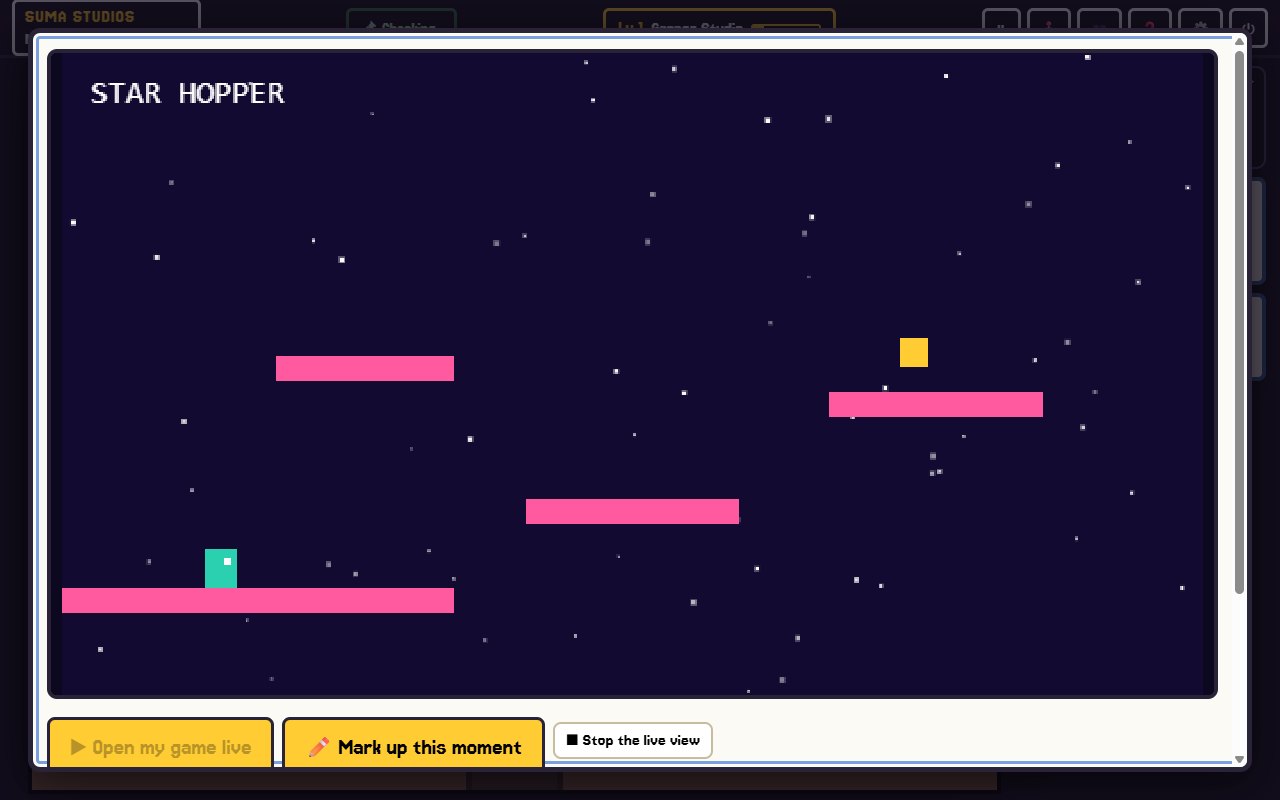
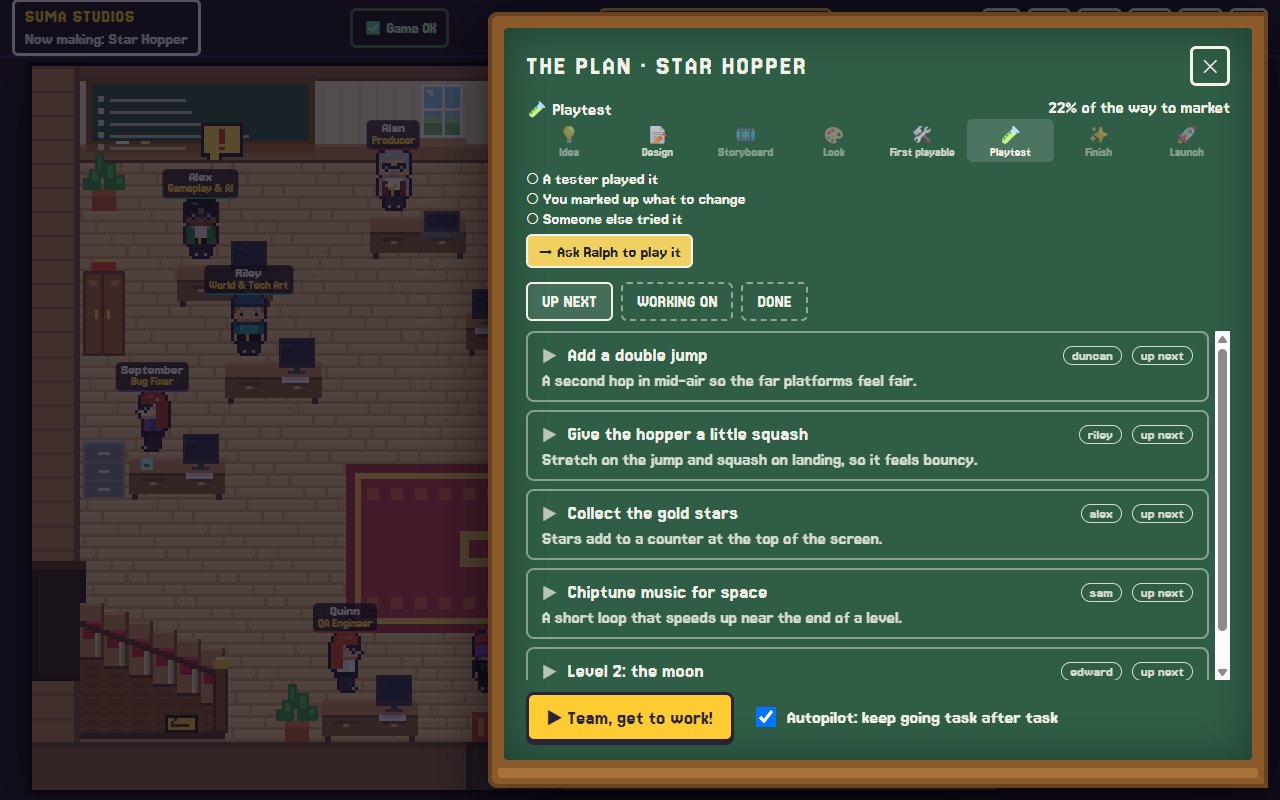
In Suma Studios, you can describe a level in plain words, such as "a short ice cave that teaches the slide move, then a chase out," and the AI team builds it in your game's engine. You play it on the playtest TV, press F8 or F9 on any moment, draw on the screen to show where a ledge or enemy should go, and tell the team what to change. If level work is a big part of your game, Owen is a hireable developer for level layout, pacing and puzzles, for $4.99.
FAQ
What makes a good level?
A clear purpose, readable paths, a mix of tension and rest, fair challenge, and moments that make the player feel clever. Testing with real players tells you if it works.
What is a greybox in level design?
A greybox, or blockout, is a version of the level made from plain shapes with no final art. It lets you test layout and flow quickly.
How long should a level be?
As long as its idea stays interesting. For many games that is a few minutes. End the level before the player gets tired of its main idea.
Do I need special software for level design?
No. Most engines, Roblox Studio and UEFN have the tools built in. Paper sketches help too.
Build your first level
Have a level in your head? Try Suma free and build one game up to its first playable version, then play it and mark up what should change.
Make your game with an AI team
Suma Studios is a pixel-art game studio on your computer. Tell your team what you want, and they build it in Godot, Unreal, Roblox or Fortnite.