Blog · November 2, 2026
Game Design Document: A Simple Template That Works
A game design document (GDD) is a written plan that describes your game: what the player does, why it is fun, what the world looks and sounds like, and what you need to build. For a small or first game, a one-page GDD is usually better than a long one. It keeps everyone, including you, building the same game. Below you will find what to include, a template you can copy, and tips for keeping it useful.
Why write a game design document?
- It turns a feeling into a plan. Writing forces you to decide what the game actually is.
- It keeps scope in check. When a new idea comes up, you can ask: does this fit the doc?
- It helps others help you. Artists, programmers, testers, and AI teammates all work better from a clear spec.
- It is a record of decisions. Months later, you will be glad you wrote down why something works the way it does.
Short GDD vs. long GDD
Big studios once wrote huge design bibles. Most indie developers now keep a short living document that changes as the game changes. A good rule: start with one page, then add sections only when you need them.
What to put in a game design document
1. The pitch
One or two sentences. "A cozy fishing game where every fish you catch adds a room to your floating house." If you cannot say it simply, keep thinking.
2. The core loop
What the player does over and over, minute to minute. Catch fish, sell fish, upgrade the rod, reach deeper water. This is the most important part of the document.
3. Goals and progression
What the player is working toward, and what keeps them coming back: unlocks, levels, story, high scores.
4. Controls
How the player plays: keyboard and mouse, controller, touch. List the main actions.
5. Look and feel
A few words on art style and mood, plus a handful of reference games or images. "Warm pixel art, soft colors, like a lazy summer afternoon."
6. Sound and music
The mood of the music and the most important sounds. See sound effects for indie games for why this matters early.
7. Story and characters (if any)
Who the player is, who they meet, and why they care.
8. Platform and engine
Where the game will be played (PC, phone, web, Roblox, Fortnite) and what it will be built in.
9. Scope and milestones
What the first playable version includes, and what can wait. Break the work into milestones.
10. Open questions
Things you have not decided yet. Writing them down is better than pretending they are settled.
A one-page template you can copy
- Title:
- Pitch (one sentence):
- Genre and platform:
- Core loop (3 to 5 steps):
- Player goal:
- What makes it special:
- Controls:
- Art style and references:
- Sound and music mood:
- First playable version includes:
- Later, if there is time:
- Open questions:
How a design doc becomes a plan
A design doc says what the game is. A plan says what to build next. Once your doc is clear, break the first playable version into small tasks, then group them into milestones.
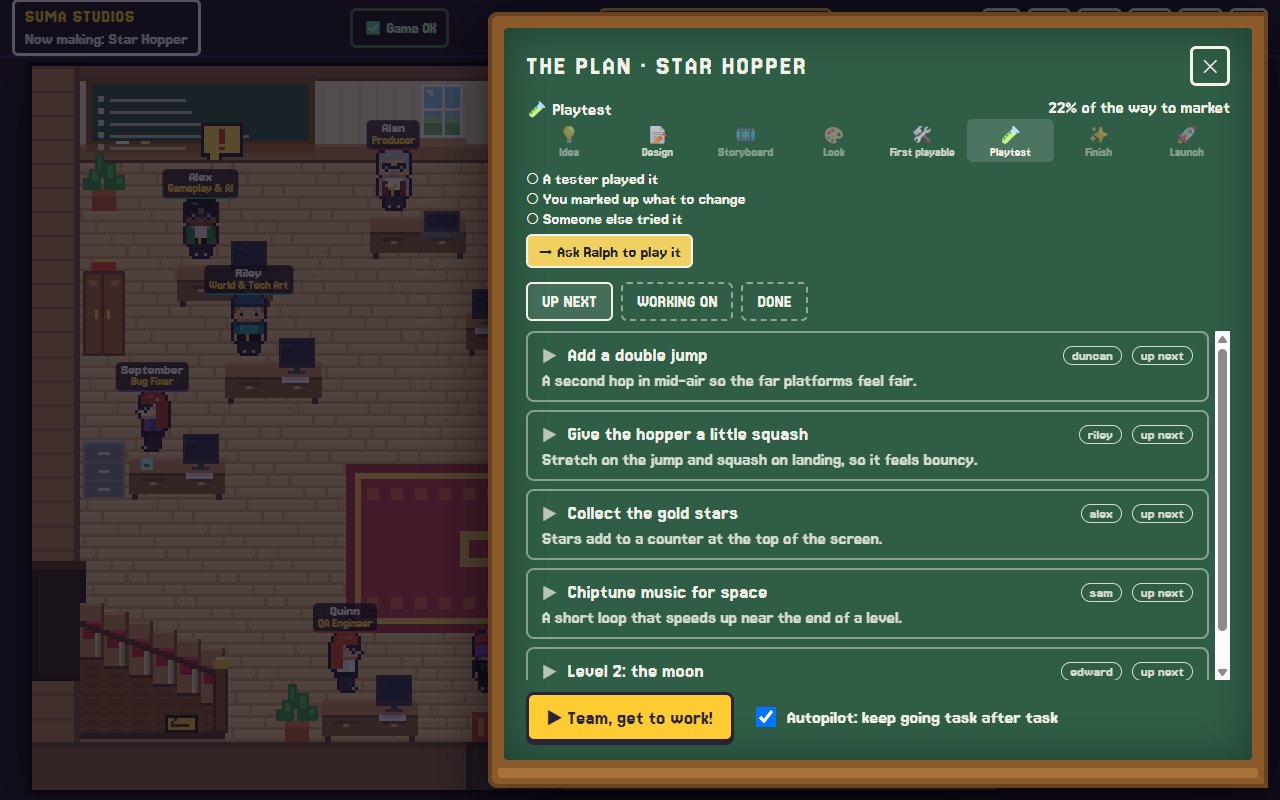
In Suma Studios, this happens as you talk. Phil, the lead designer, asks you one good question at a time, fills in the details like a veteran designer would, and writes them into the design doc so the developers have a real spec. Alan, the producer, turns it into a chalkboard plan with milestones, showing every task, who has it, and which stage the game is in.
Tips for keeping your GDD useful
- Update it when the game changes. An out-of-date doc causes more confusion than no doc.
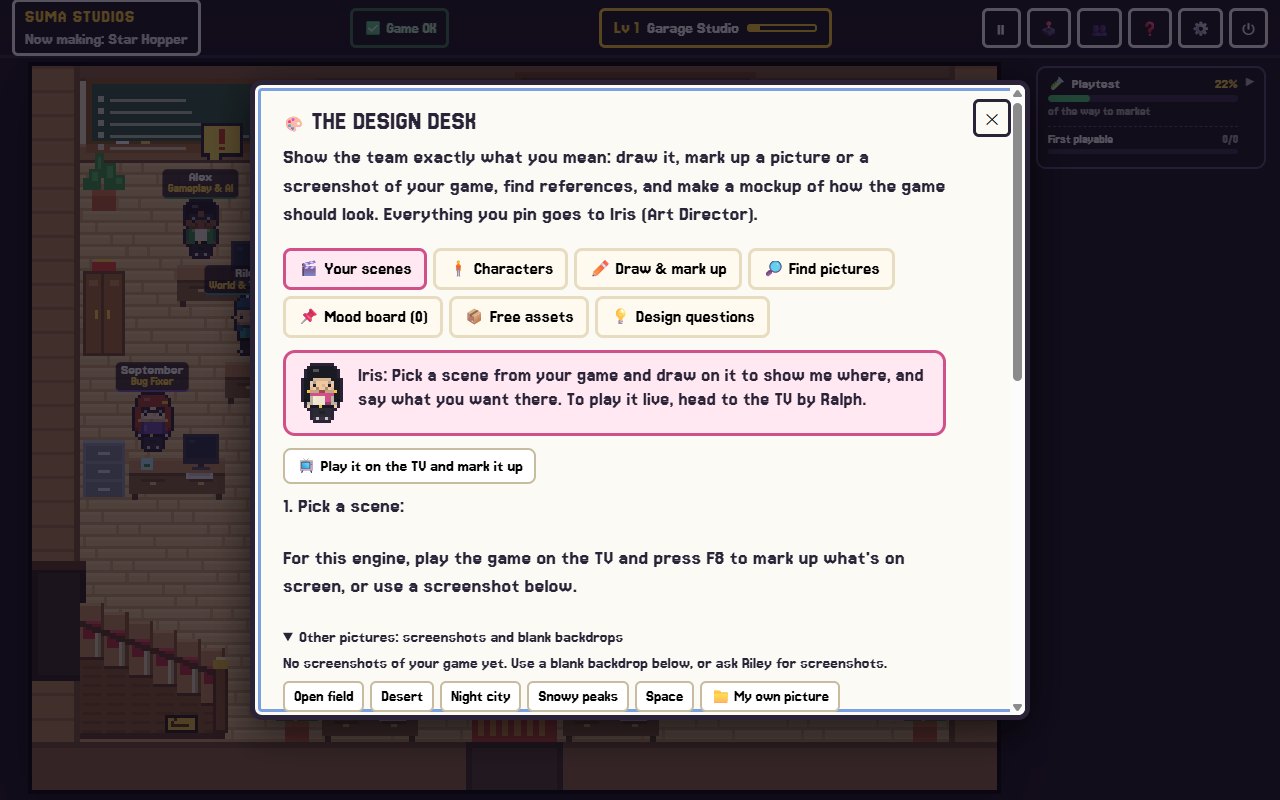
- Use pictures. A sketch or a reference screenshot explains a mood faster than a paragraph.
- Write for someone new. Could a stranger read it and understand the game?
- Cut ruthlessly. If a feature is not in the first playable version, move it to "later."
- Test the doc against the game. Play the build, then reread the core loop. Does it match?
Common mistakes
- Writing fifty pages before building anything.
- Describing features without explaining why they are fun.
- No clear first playable version.
- Treating the doc as finished. It never is.
FAQ
How long should a game design document be?
For a first or small indie game, one to three pages is plenty. Add detail only where the team needs it.
Do solo developers need a GDD?
Yes, even a short one. It keeps you from drifting and helps you decide what to cut.
What is the difference between a GDD and a pitch?
A pitch sells the idea in a few sentences. A GDD explains how the game works so it can be built.
Can AI help write a game design document?
Yes. AI is good at asking questions and filling in details. You still need to make the decisions. In Suma, the lead designer writes the doc from your conversations, and you have the final say.
Turn your idea into a plan
Copy the template, fill in the core loop first, and keep it to one page. If you would like help pulling the details out of your head, try Suma free and talk your idea through with the team. New to all this? Start with how to make a video game with no coding experience.
Make your game with an AI team
Suma Studios is a pixel-art game studio on your computer. Tell your team what you want, and they build it in Godot, Unreal, Roblox or Fortnite.