Blog · November 2, 2026
Sound Effects for Indie Games: A Practical Guide
Good sound effects make an indie game feel finished. To get them, list every action that needs a sound, start with free or licensed sound libraries, record or create anything special, make sure every sound fits one style, and mix the levels so nothing is too loud. Always check that a sound's license allows you to sell your game. Here is how to do each part.
Why sound matters more than you think
Players often cannot say why a game feels good, but sound is a big part of it. A coin pickup with a bright little chime, a heavy door with a low thud, footsteps that change on grass and stone: these make actions feel real. A silent or mismatched game feels cheap, even with beautiful art.
Sound also teaches players. A warning tone before an attack, a click when a menu option is chosen, a sting when you take damage: these tell people what happened without words.
Step 1: Make a sound list
Go through your game and list every moment that needs a sound. A typical small game includes:
- Player actions: footsteps, jump, land, attack, hurt, death.
- Pickups and rewards: coins, items, power-ups, level up.
- World: doors, switches, water, wind, machines.
- Enemies: alerts, attacks, hits, defeat.
- Interface: button hover, click, back, error, confirm.
- Ambience: background loops for each area.
- Music: menu, main areas, tense moments, victory.
Mark which sounds the player hears most. Those need the most care, because players will hear them thousands of times.
Step 2: Pick a sound style
Your sounds should match your art. Chunky, bright effects fit retro pixel art. Realistic, detailed sounds fit a photoreal 3D game. Pick a few reference games whose sound you like and keep them in your game design document.
Step 3: Find sounds
There are three main sources.
Free sound libraries
Many sites offer free sound effects and music. Look carefully at each sound's license:
- CC0 or public domain: use it freely.
- Attribution (CC BY): use it, but credit the creator.
- Non-commercial licenses: not suitable if you plan to sell your game.
Keep a simple credits file listing where each sound came from.
Sound generators
Simple tools can create retro-style effects (blips, jumps, lasers, explosions) from a few settings. Great for pixel-art and arcade games.
Recording your own
A phone or a cheap microphone can capture surprisingly good raw sounds. Snapping celery, crumpling paper, shaking keys: most game sounds are everyday objects, layered and edited.
Step 4: Edit and layer
Raw sounds rarely work straight away. Common edits:
- Trim silence at the start so the sound plays exactly on the action.
- Layer two or three sounds for impact, like a thump plus a crack plus a whoosh.
- Add small random changes in pitch and volume to repeated sounds, so footsteps do not sound robotic.
Step 5: Mix it
Mixing means setting how loud each sound is compared to the others.
- Important feedback (damage, warnings) should cut through.
- Constant sounds (footsteps, ambience) should sit in the background.
- Music should support, not drown out, the effects.
- Give players separate volume sliders for music and effects.
Test on headphones and on small speakers, because many players use one or the other.
Sound in Suma Studios
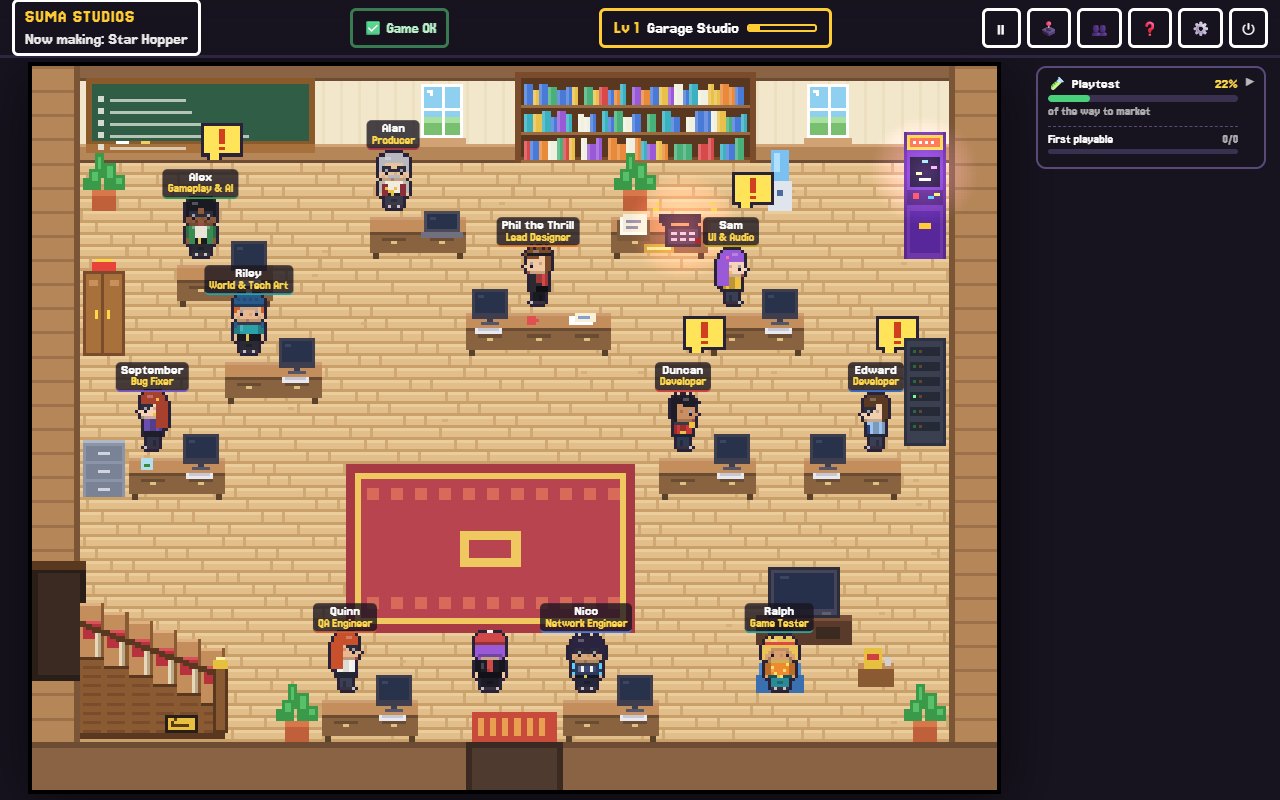
In Suma Studios, sound has its own room. Echo, the sound engineer, runs the sound studio upstairs, where every sound in your game is listed. You say what you want in your own words, press play on what Echo makes, and say what to change. You can record your own sounds too. Echo can also pull realistic sounds from the free library, using only sounds whose license allows you to sell the game, and adds the credits for you.
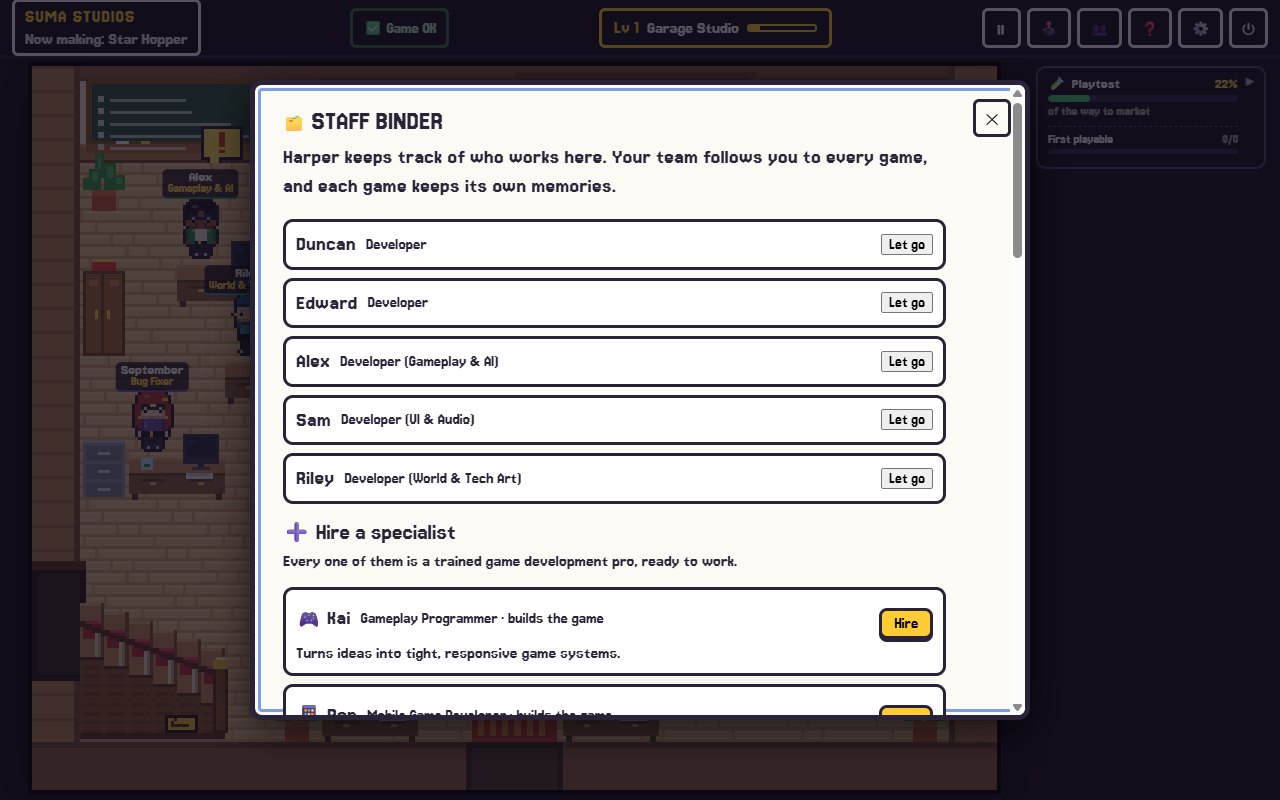
Suma also has a free asset search for sounds and music, as well as textures, 3D models and skies, which you can add to your game in one click. If you want a specialist focused on sound effects, music direction and the final mix, you can hire Mira for $4.99. See who you can hire.
Common sound mistakes
- Using a sound you do not have the rights to.
- Mixing styles, like realistic gunshots in a cartoon game.
- Everything at the same volume.
- Long gaps before a sound plays, so it feels laggy.
- One footstep sound repeated with no variation.
FAQ
Where can I get free sound effects for my game?
Free sound libraries and sound generators are good starting points. Always check the license of each sound before you use it in a game you plan to sell.
Do I need to credit free sounds?
It depends on the license. CC0 sounds need no credit, while attribution licenses do. Keep a credits file either way.
Should I hire a sound designer?
For a small first game, you can often do well with libraries and simple edits. For a larger or story-driven game, a dedicated sound designer makes a big difference.
What file format should game sounds be?
WAV is common for short effects, and compressed formats like OGG are common for music and long loops. Check what your engine recommends.
Make your game sound great
Start your sound list today, pick a style and replace your silence one sound at a time. If you would like a sound engineer in the room with you, see the features page or try Suma free.
Make your game with an AI team
Suma Studios is a pixel-art game studio on your computer. Tell your team what you want, and they build it in Godot, Unreal, Roblox or Fortnite.