Blog · November 2, 2026
Game Art for Non-Artists: How to Make a Game Look Good
You can make a good-looking game without being an artist. The trick is to choose a simple style you can keep consistent, use a small colour palette, lean on free and paid asset packs with clear licences, and spend your effort on readability and polish rather than detail. Players forgive simple art; they notice mismatched art. A game made from plain shapes with great colour and lighting often looks better than one with detailed but clashing assets.
Here is a practical approach that works for solo developers and small teams.
Pick a style that suits you
Some styles are much friendlier to non-artists than others:
- Minimal shapes: circles, squares and clean lines with bold colour. Great for puzzle and arcade games.
- Low-resolution pixel art: small sprites, such as 16 by 16 pixels, are quick to draw and easy to keep consistent.
- Low-poly 3D: simple models with flat colours instead of detailed textures.
- Silhouettes: dark shapes against bright, coloured backgrounds. Cheap to make and very atmospheric.
- Hand-drawn or doodle: if you sketch at all, a deliberately rough style can be charming.
Choose one, and look at a few games in that style for reference. Note what they have in common.
Use a small colour palette
A limited palette is the fastest way to make a game look intentional. Pick a handful of colours and use only those. Many artists share free palettes online that you can use as a starting point. Keep these rules in mind:
- The player and important objects should contrast strongly with the background.
- Use one colour consistently for things players can interact with.
- Keep backgrounds darker or less saturated than the foreground.
Use asset packs wisely
Free and paid asset packs are a huge help, but mixing packs from different artists is where many games start to look messy. To keep it consistent:
- Get as much as possible from one artist or one pack series.
- Match pixel size or polygon detail across everything.
- Recolour assets with your palette so they feel like one world.
- Read every licence. Some allow commercial use, some require credit, and some do not allow use at all in paid games.
Our sound effects guide covers the same licence rules for audio.
Readability first
Good game art tells the player what is happening at a glance:
- Can you tell the player apart from enemies in a tiny screenshot?
- Is it clear what is solid, dangerous or collectible?
- Do important things stand out from the background?
Test this by shrinking a screenshot to thumbnail size, or by turning it to greyscale. If key things disappear, add contrast. Readability matters for marketing too, since your game will often be seen tiny in feeds and stores. See how to market an indie game.
Polish that does not need drawing skills
Many things that make a game look professional are effects, not drawings:
- Lighting and a subtle glow on important objects.
- Particles: dust when landing, sparks on hits, sparkles on pickups.
- Screen shake and a short flash on impacts.
- Simple animation: squash and stretch when jumping, a slight bob when idle.
- Consistent UI: one font, one style of button, plenty of space.
These cost little and make movement feel alive, especially in a 2D platformer.
What about AI art?
AI image tools can help with ideas, mood boards and placeholder art. If you use them for final assets, check each tool's terms for commercial use, check the rules of the store or platform you are releasing on (some ask you to disclose AI-generated content), and keep a consistent style across everything. Our guide to AI game development tools covers the wider landscape.
Art in Suma
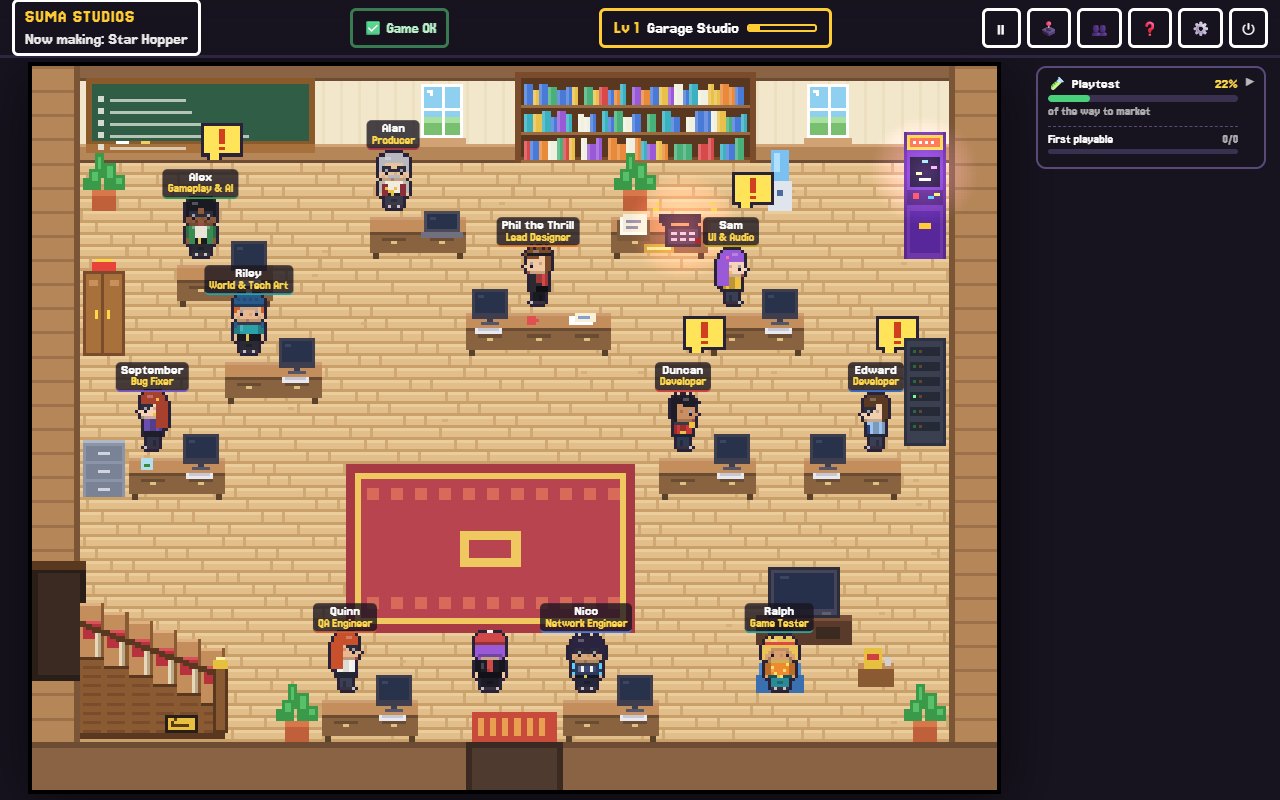
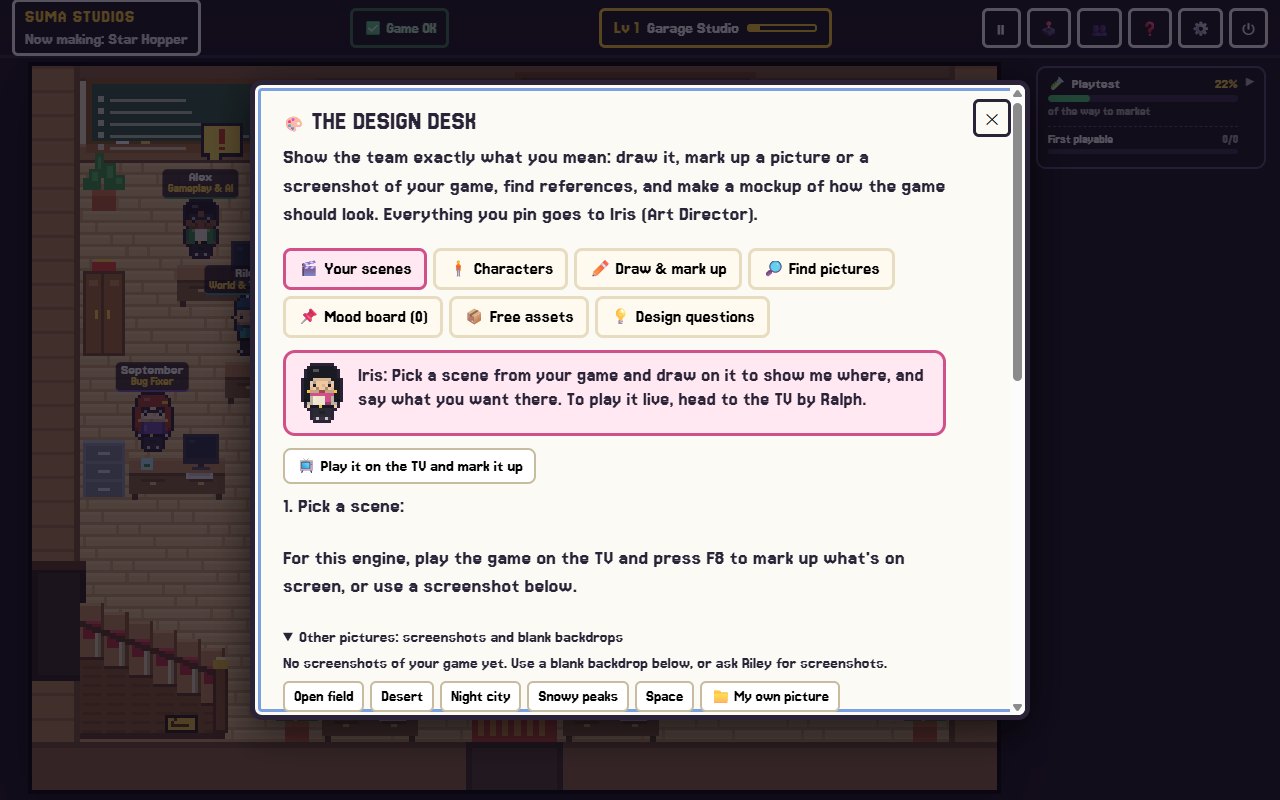
In Suma Studios, Iris is the art director who keeps your game's look consistent. At the design desk, you say what should change on a character in your own words, and the team changes the real one in your game's style. You can draw on any scene to show exactly where you want something. Suma also has a free asset search for textures, 3D models, skies, sounds and music that you can add to your game in one click; check each asset's licence before you ship.
FAQ
Can I make a game if I cannot draw?
Yes. Simple styles, asset packs, effects and consistent colour can make a game look good without drawing skills.
What is the easiest art style for a beginner?
Minimal shapes and small pixel art are the easiest to keep consistent. Low-poly 3D is a good choice for 3D games.
Where can I find free game art?
Many sites offer free and paid game assets, and engines often have their own asset libraries. Always read the licence for commercial use and credit rules.
Is it okay to mix asset packs?
It can work if you match the scale, detail and colours. Recolouring everything with one palette helps a lot.
Make your game look like one world
Want an art director on your team? Try Suma free and build one game up to its first playable version, then shape the look at the design desk.
Make your game with an AI team
Suma Studios is a pixel-art game studio on your computer. Tell your team what you want, and they build it in Godot, Unreal, Roblox or Fortnite.