Blog · November 3, 2026
Godot vs Unity vs Unreal: Which Engine for Beginners?
For most beginners, Godot is the easiest engine to start with: it is free, small, quick to install and excellent for 2D. Unity is a strong choice if you want the biggest library of tutorials and plan to make mobile or smaller 3D games. Unreal Engine 5 is the best fit if you want high-end 3D visuals and are ready for a steeper learning curve and a bigger download. All three can make real, commercial games, so the right pick depends on your game, your computer and how you like to learn.
Here is an honest side-by-side, without the fan wars.
The short version
- Godot: free and open source, lightweight, great for 2D and good for simpler 3D. Uses GDScript (similar to Python) or C#.
- Unity: huge community and asset store, popular for mobile and indie 3D. Uses C#.
- Unreal Engine 5: top-tier 3D graphics and tools, used by many large studios. Uses C++ and Blueprints visual scripting.
Cost and licences
All three are free to start with, but their terms differ.
- Godot is released under the MIT licence. There are no fees or royalties, and you own your game.
- Unity has a free Personal plan for individuals and small companies under a revenue threshold, with paid plans above it. Unity has changed its pricing more than once in recent years.
- Unreal Engine is free to use, and Epic charges a royalty on commercial games once their gross revenue passes a set amount. At the time of writing that is 5% after the first $1 million per product.
Licence terms change, so check each engine's official site before you commit, especially if you plan to sell your game.
Learning curve
Godot is the gentlest start. Everything is built from nodes and scenes, the editor opens in seconds, and GDScript reads almost like plain English. Our Godot for beginners guide walks through your first project.
Unity sits in the middle. The editor has a lot of panels, and C# is a full programming language, but the amount of tutorials, courses and forum answers is enormous. If you get stuck, someone has probably asked the same question.
Unreal has the steepest curve. The editor is powerful and packed with features, and projects are large. Blueprints let you build logic visually without typing code, which helps, but you still need to learn how Unreal's systems fit together.
2D or 3D?
This is often the deciding question.
- For 2D, Godot is a favourite. It has a dedicated 2D engine, pixel-perfect options and tile maps that are quick to learn. Unity also does 2D well. Unreal can make 2D games, but it is not where it shines.
- For realistic 3D, Unreal leads, with advanced lighting and detailed worlds out of the box.
- For stylised or simpler 3D, all three work. Unity and Godot are lighter on your computer.
If you are making a 2D platformer, Godot or Unity will get you there fastest.
Your computer matters
Unreal Engine 5 projects are big and benefit from a powerful PC with a good graphics card. Godot runs well on modest laptops. Unity falls in between. If your computer is a few years old, start lighter.
Platforms you can ship to
All three can export to Windows, Mac, Linux and mobile, with consoles available through the platform holders' own programs. Godot and Unity both have web exports for browser games. If your goal is Roblox or Fortnite, none of these is the answer: you build in Roblox Studio or Unreal Editor for Fortnite. See Roblox vs Fortnite UEFN.
Which engine should you pick?
- Your first game, 2D, or a modest computer: Godot.
- You want the most tutorials, or plan a mobile game: Unity. Our guide on how to make a mobile game covers the rest.
- You dream of big, beautiful 3D worlds and have a strong PC: Unreal Engine 5.
The best engine is the one you finish a game in. Skills carry over, so your second game can always use a different engine.
Where Suma fits
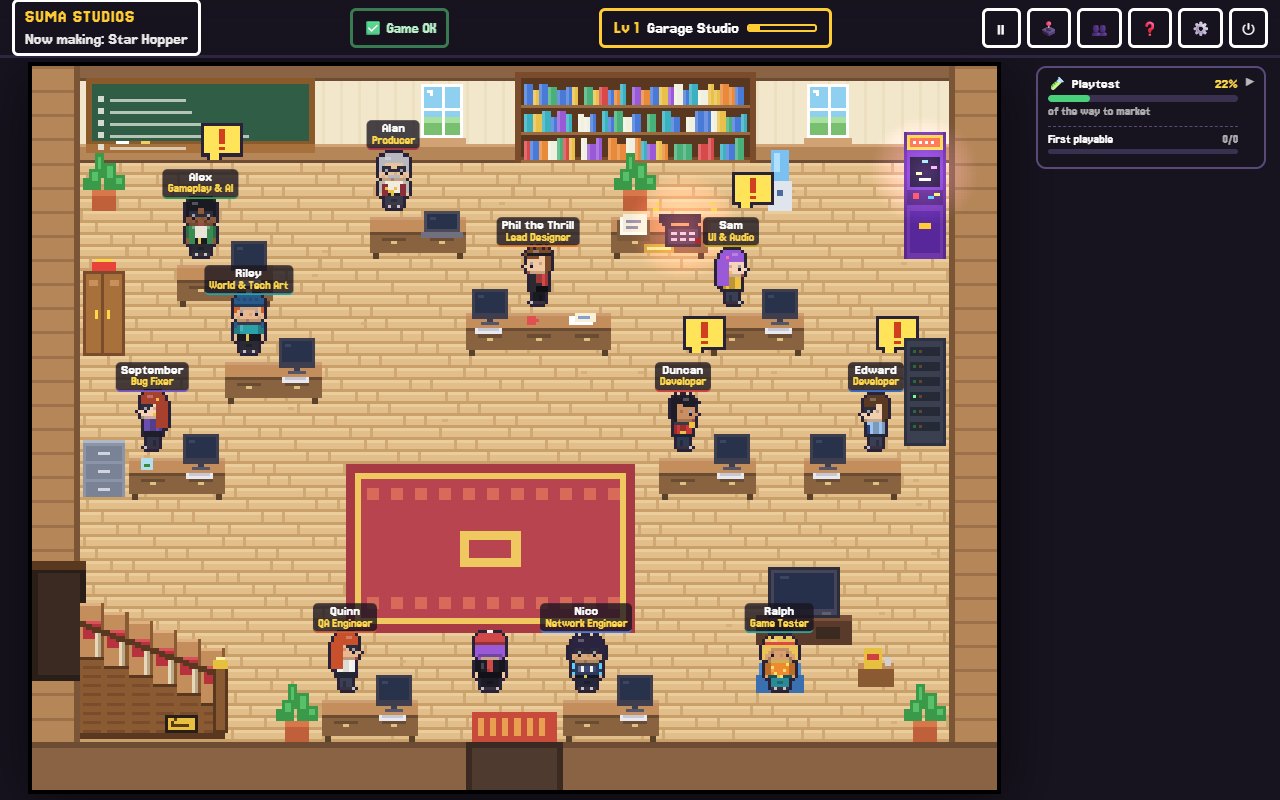
Suma Studios is not an engine. It is a desktop app where a team of AI teammates builds your game inside a real engine, while you make the creative calls. The team works in Godot, which installs in one click, and in Unreal Engine 5, Roblox and Fortnite (UEFN, Windows only) if you have those installed. Already started a game in Unity or GameMaker? Open its folder, and the team reads it first and builds around it.
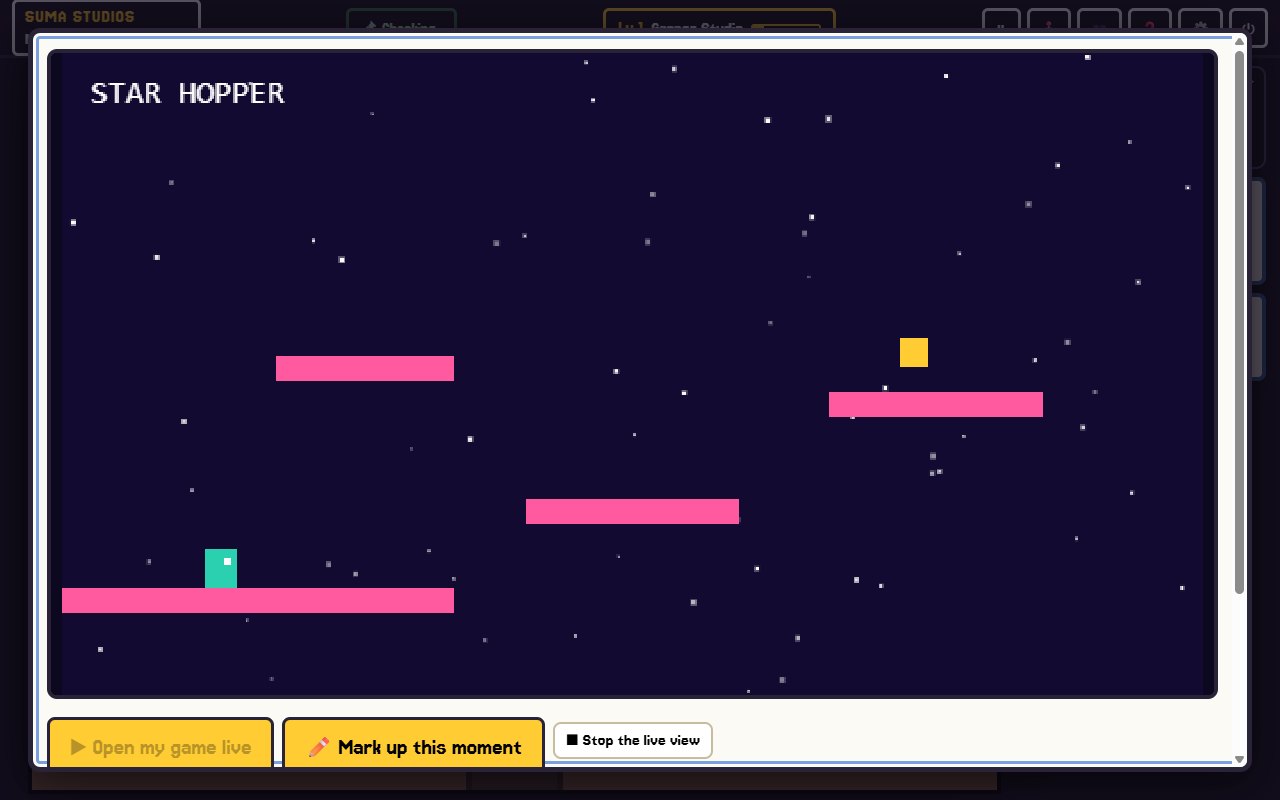
That means you can compare engines in practice: describe a small idea, see it built in Godot, and open the real project in the Godot editor to learn how it was made.
FAQ
Is Godot better than Unity?
Neither is better for everyone. Godot is lighter, free with no strings and great for 2D. Unity has a larger community, more learning material and a bigger asset store.
Is Unreal Engine too hard for beginners?
Not too hard, but harder. Blueprints help a lot. If your first game is small and 2D, a lighter engine will usually get you to a finished game sooner.
Which engine do indie developers use most?
Unity has long been very popular with indie developers, and Godot's popularity has grown fast. Many indies use all three across different projects.
Can I switch engines later?
Yes, but you usually rebuild the game rather than convert it. What carries over is your design, art, sound and experience.
See a real engine at work
Want to skip the setup and see your idea in a real engine? Try Suma free and build one game up to its first playable version in Godot.
Make your game with an AI team
Suma Studios is a pixel-art game studio on your computer. Tell your team what you want, and they build it in Godot, Unreal, Roblox or Fortnite.