Blog · November 2, 2026
Godot for Beginners: How to Start Making Games
Godot is a free, open-source game engine that is a great fit for beginners. It is small to download, runs on Windows, Mac and Linux, and handles both 2D and 3D games. To get started, download Godot 4, create a project, learn how nodes and scenes fit together, write a little GDScript to move a character, and press play. This guide explains each of those pieces in plain words.
Why Godot is good for beginners
- It is free. No fees and no royalties. The license lets you sell what you make.
- It is light. The download is small and the editor opens quickly, even on modest computers.
- 2D is first class. Godot has a real 2D engine, not 3D pretending to be flat, which suits pixel-art and indie games.
- The language is friendly. GDScript reads a lot like Python and is built for game work.
- It exports widely. You can build for Windows, Mac, Linux, Android, iOS and the web.
Step 1: Download and create a project
Download Godot 4 from the official website. Open it, create a new project, pick an empty folder and choose a renderer. For a 2D or small 3D game, the default options are fine.
Step 2: Understand nodes and scenes
This is the one idea to learn before anything else.
- A node is a single building block that does one job: a sprite shows an image, a collision shape defines a body's edges, a camera follows something, an audio player plays sound.
- A scene is a group of nodes saved together. Your player is a scene. An enemy is a scene. A level is a scene that contains the player, enemies and the map.
Scenes can be placed inside other scenes, so you build a game from small reusable parts. Once this clicks, Godot starts to make a lot of sense.
Step 3: Make something move
A classic first project is a character you can move with the keyboard:
- Create a CharacterBody2D node and add a Sprite2D and a CollisionShape2D to it.
- Attach a script to the CharacterBody2D.
- In the script, read the arrow keys, set a velocity and call move_and_slide().
- Add a floor using a StaticBody2D or a TileMap, then press play.
Godot's built-in templates for character movement give you a working starting point you can read and change.
Step 4: Learn signals
Signals are how nodes talk to each other. A button sends a "pressed" signal. An area sends a signal when something enters it. You connect a signal to a function, and that function runs when the event happens. Coins, doors, damage and menus all lean on signals.
Step 5: Build one tiny game
Pick something you can finish in a weekend:
- A one-screen platformer with three coins.
- A top-down game where you dodge falling objects.
- A simple clicker or puzzle.
Then play it, fix what feels off, and share it with a friend. Exporting a web build is an easy way to let people play it in a browser.
Common beginner mistakes in Godot
- Following tutorials for the wrong version. Godot 3 and Godot 4 differ in places. Check that a tutorial is for Godot 4.
- One giant scene. Break things into small scenes early.
- Skipping version control. Use Git, or at least back up often, so you can undo mistakes.
- Starting with your dream game. Finish a small one first.
Learning Godot with an AI team
If you want to make a Godot game but do not want to learn everything before you start, an AI team can build it while you watch and learn.
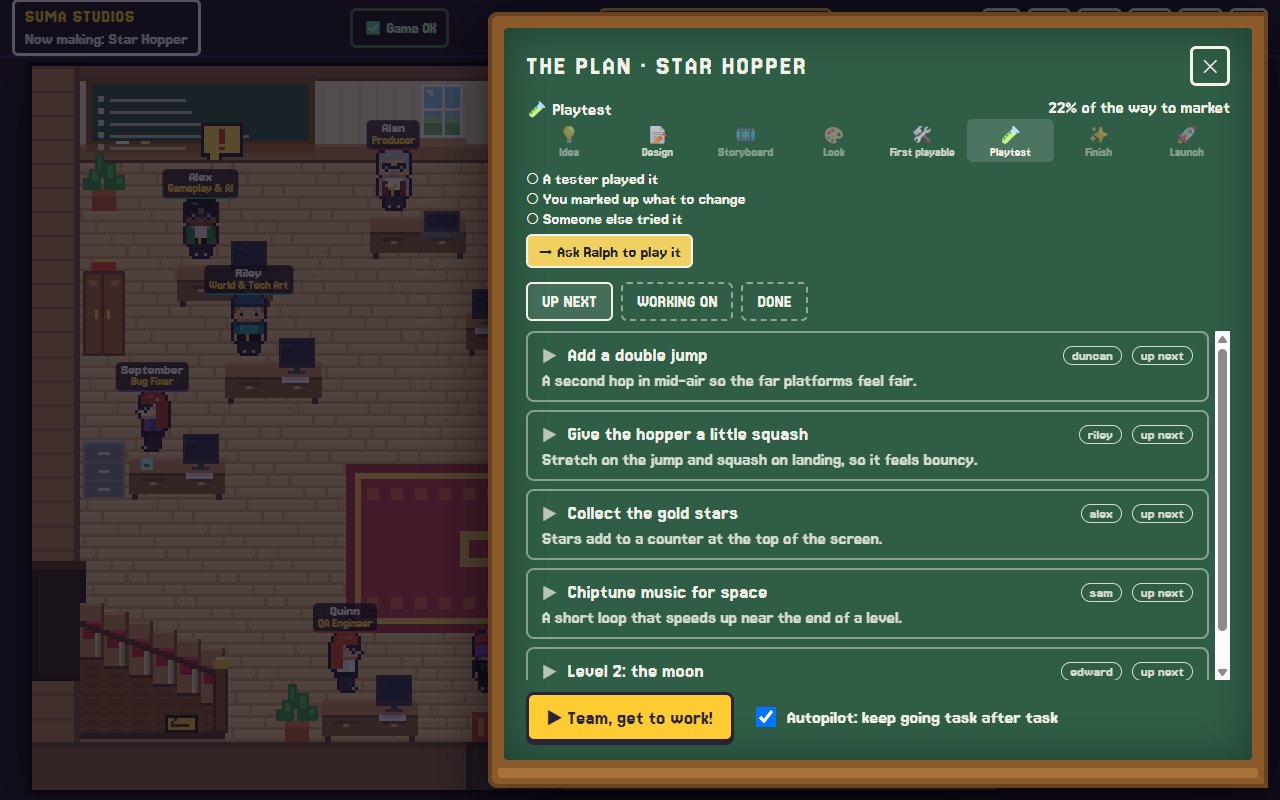
In Suma Studios, Godot is the default engine and installs in one click. You tell the team what you want, the developers build it in Godot, and every change is saved so you can go back. Because it is a normal Godot project on your own computer, you can open it in the Godot editor at any time to see how the team put it together, change things yourself, or keep going on your own.
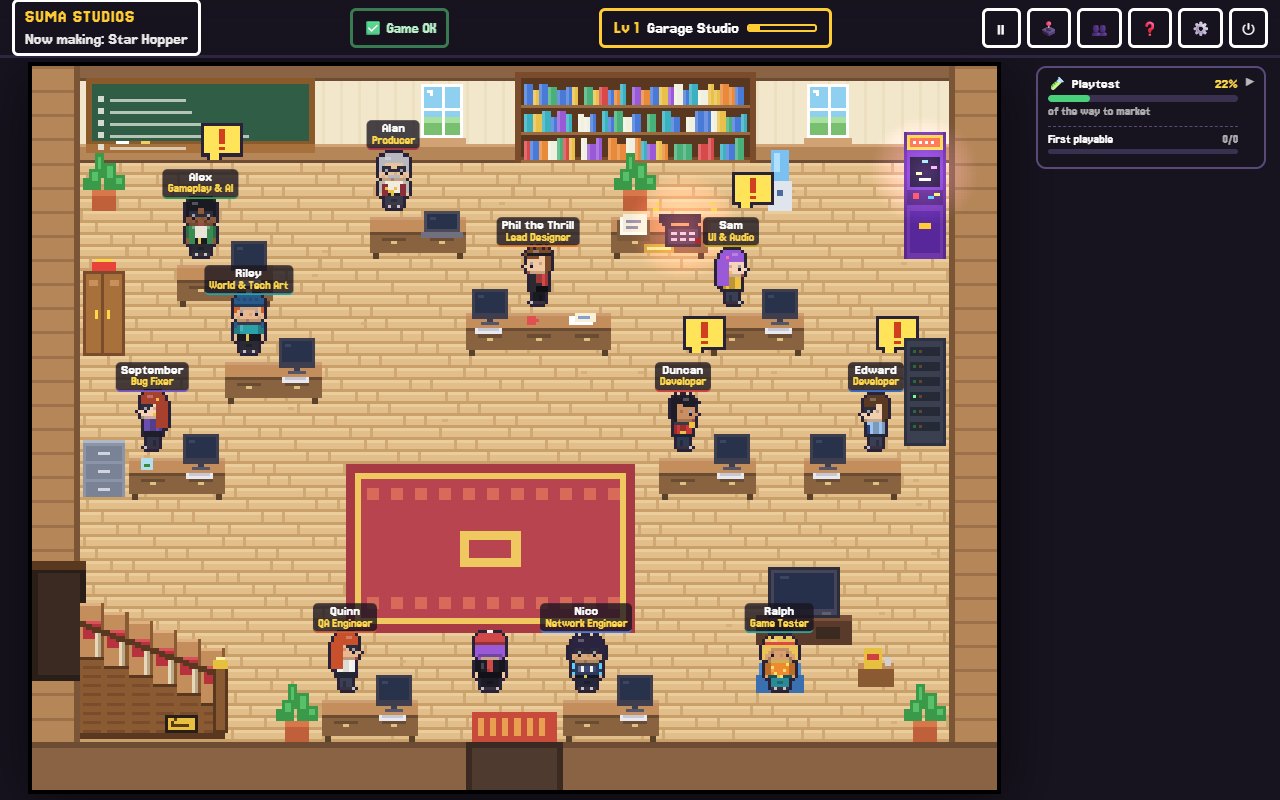
It is a good way to see real nodes, scenes and scripts for the game you care about, instead of a tutorial project you will throw away. You can read more on the features page.
FAQ
Is Godot good for beginners?
Yes. It is free, light, has a gentle scripting language and a helpful community. Its node and scene system takes a day or two to understand and then makes a lot of sense.
Is Godot 2D or 3D?
Both. Godot is especially well loved for 2D, and its 3D tools are good for small and mid-sized games.
Should I learn GDScript or C#?
For beginners, GDScript is usually easier. It is made for Godot and most tutorials use it. Godot also supports C# if you already know it.
Can I sell a game made in Godot?
Yes. Godot's MIT license lets you sell your games without paying fees or royalties.
Start your first Godot game
Download Godot, make a character move, then finish one tiny game. If you would like a team beside you while you learn, try Suma free and build one Godot game up to its first playable version.
Make your game with an AI team
Suma Studios is a pixel-art game studio on your computer. Tell your team what you want, and they build it in Godot, Unreal, Roblox or Fortnite.