Blog · November 3, 2026
How Much Does It Cost to Make a Video Game?
Making a video game can cost almost nothing or many millions, depending on who makes it and how big it is. A solo developer using free tools like Godot, free assets and their own time can make a small game for little more than a store fee. A small indie team paying salaries for a year or more spends far more, and big studio games cost much more again. The honest answer is: the biggest cost is time, and the way to control it is to keep the game small.
This guide breaks the costs into parts so you can estimate your own game.
The biggest cost: time
Whether you pay yourself or not, people's time is the largest part of almost every game budget. A simple way to estimate a team budget:
people × months × monthly cost per person = core budget
For a solo hobby project, that cost is your evenings and weekends rather than cash. For a team, it is salaries or contractor fees, and it grows quickly: adding one person or a few extra months often matters more than every tool and fee combined.
That is why scope is the most important money decision you make. Cutting one feature can save more than any discount.
Engines and software
Good news: the main engines are free to start.
- Godot is free and open source, with no royalties.
- Unity has a free Personal plan below a revenue threshold, with paid plans above it.
- Unreal Engine is free to use, with a royalty on commercial games past a revenue threshold (at the time of writing, 5% after the first $1 million per product).
- Roblox Studio and Unreal Editor for Fortnite are free to download.
Art and sound software ranges from free (Blender, Krita, GIMP, Audacity, LMMS) to paid subscriptions. Licence terms change, so check each official site before you rely on them. For help picking an engine, see Godot vs Unity vs Unreal.
Art and animation
Art can be one of the larger costs if you hire it out, and almost free if you use free asset packs or a simple style you can make yourself. Ways to keep it down:
- Choose a style that suits your skills, like simple shapes or low-resolution pixel art.
- Use free and paid asset packs, and check each licence.
- Hire a freelancer for the parts players see most, such as the main character and store capsule.
Our guide to game art for non-artists covers this in detail.
Music and sound
Free sound libraries and royalty-free music can cover a small game. A composer or sound designer costs more but gives your game its own identity. See sound effects for indie games for free sources and the licences to watch for.
Store and platform fees
These are small but real. At the time of writing:
- Steam charges a $100 Steam Direct fee per game, and takes a share of sales (commonly 30%, lower at high revenue levels).
- Apple's App Store requires a paid developer program membership, charged yearly.
- Google Play charges a one-time registration fee.
- itch.io lets you choose the share it takes.
- Roblox and Fortnite are free to publish on and have their own programs for creator earnings.
Fees and revenue shares change, so always check the official sites. Our Steam launch guide explains the Steam steps.
Marketing
Many small games spend little on marketing and rely on clips, creators, festivals and community instead of ads. Some teams also budget for a trailer, festival entry fees or paid ads. Our guide on how to market an indie game explains how to do a lot with very little.
Hidden costs to plan for
- Hardware: a computer that can run your engine comfortably, especially for Unreal Engine 5.
- Testing devices: an extra phone or controller if you target them.
- Legal and business: company registration, contracts, trademarks or age ratings, depending on where you live and sell. Ask a professional for advice that fits your situation.
- Taxes: stores take tax details, and income from your game may be taxable.
What Suma costs
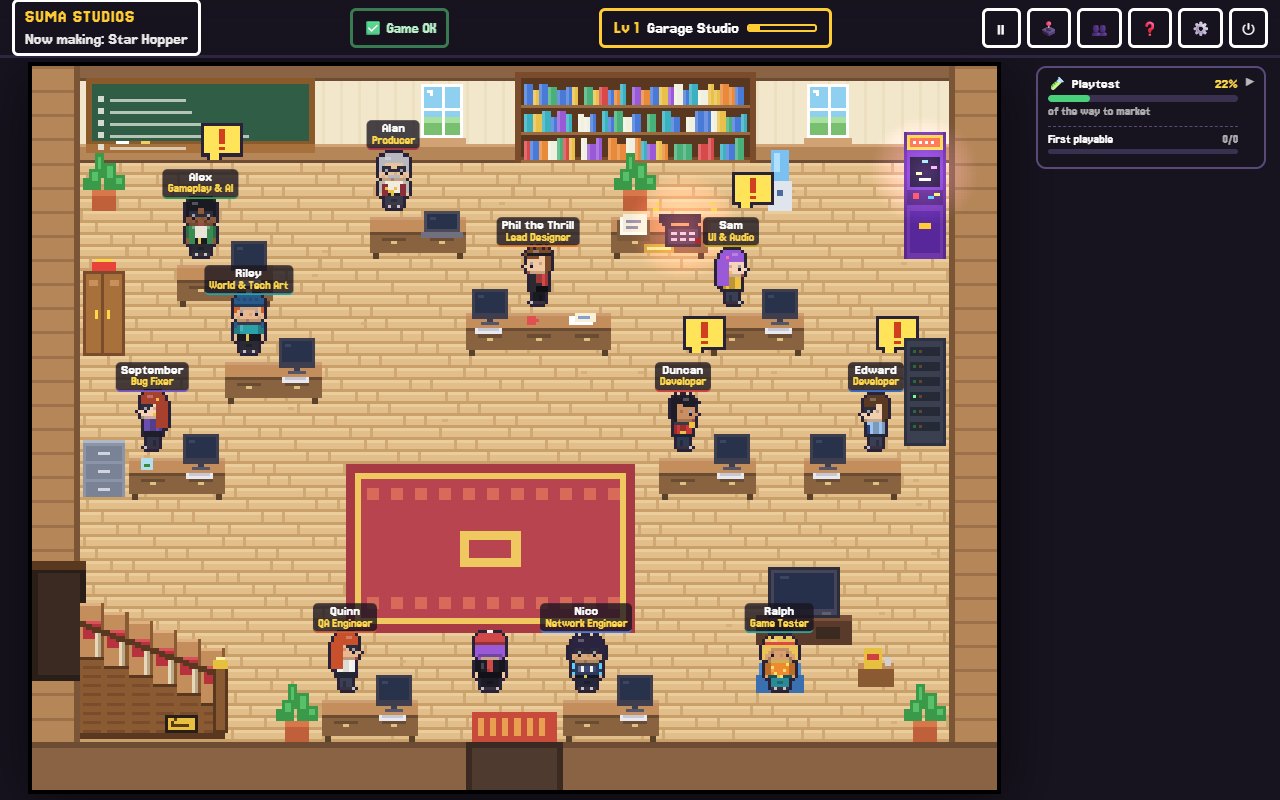
Suma Studios is a $14.99 one-time purchase for Windows and Mac, with no subscription from us. You start with two developers and the whole studio around them, and you can add specialist hires for $4.99 each. A free Starter lets you build one game up to its first playable version before you pay anything.
Your AI team needs an AI model to think with. You can run free local models such as Llama or Gemma on a strong PC, or use your own API key from OpenAI, Anthropic or Google. Any API costs are between you and that company, and Suma does not add to them. See pricing for the details.
FAQ
Can I make a video game for free?
Yes. With free engines, free assets and your own time, the only unavoidable cost may be a store fee, and some places, like itch.io, Roblox and Fortnite, are free to publish on.
How much does an indie game cost to make?
It varies enormously, from almost nothing for a solo hobby game to large budgets for teams working full time for years. Estimate yours with people, months and monthly cost.
What is the most expensive part of making a game?
Usually people's time. Tools are often free; salaries, contractors and long schedules are where budgets grow.
How can I make my game cheaper to build?
Keep the scope small, use free tools and assets, pick an art style you can manage, and finish a small game before starting a big one.
Start small, spend little
The cheapest way to find out if your idea works is to play it. Try Suma free and build one game up to its first playable version, with no card needed.
Make your game with an AI team
Suma Studios is a pixel-art game studio on your computer. Tell your team what you want, and they build it in Godot, Unreal, Roblox or Fortnite.