Blog · November 2, 2026
How to Launch an Indie Game on Steam: Step by Step
To launch an indie game on Steam, you sign up for Steamworks, pay the Steam Direct fee for your game, build a store page with strong capsule art, screenshots and a trailer, put it up as "Coming Soon" early to collect wishlists, prepare a press kit, pass Steam's review, and then pick a launch date and keep updating after release. The steps below cover each part, with the timing that tends to work for small studios.
Step 1: Set up Steamworks
Steamworks is Valve's portal for developers. You create an account, fill in tax and bank details, and pay the Steam Direct fee for each game you want to release. At the time of writing, that fee is $100 per game and is recoupable once the game earns a set amount; check Valve's current Steamworks documentation for the exact terms.
Step 2: Build your store page early
Your store page is your most important marketing tool. Many developers put it up months before launch, because wishlists collected while the page says "Coming Soon" help a game get noticed on release.
A store page needs:
- Capsule images in several sizes: header, small, main, vertical and library art. These show up all over Steam, often very small, so the game's title and mood must read at a glance.
- Screenshots, at least five, that show real gameplay.
- A trailer that shows gameplay in the first few seconds.
- A short description that says what the player does and why it is fun.
- Tags that honestly describe the genre and features.
- System requirements, languages and a price.
Steam reviews the store page before it can go live, so leave time for changes.
Step 3: Make a trailer that sells
Good indie trailers usually:
- Show gameplay in the first few seconds, not logos.
- Stay short.
- Make the core loop obvious.
- End with the title and a call to wishlist.
Record real gameplay at a high frame rate and cut it to the music.
Step 4: Collect wishlists
Wishlists matter because Steam lets wishlisters know when a game launches or goes on sale. Ways to grow them:
- Share short clips and GIFs of gameplay on social media.
- Post devlogs about how you are making the game.
- Join Steam Next Fest with a demo, if you can have one ready.
- Reach out to streamers and YouTubers who play your genre.
- Start a Discord for your earliest fans.
Step 5: Prepare a press kit
A press kit is a simple page or folder with everything journalists and creators need: a short description, key features, screenshots, the trailer, logos, capsule art, your contact details and release date. Make it easy, and more people will cover your game.
Step 6: Get your build ready
Before launch:
- Upload your build through Steamworks and test the Steam version.
- Complete the content survey and any age rating steps.
- Check achievements, cloud saves and controller support if you use them.
- Run one more round of playtesting with people who have not seen the game.
Steam reviews the build before release, too.
Step 7: Pick a launch date
Look at what else is launching in your genre that week, avoid major releases and big sales if you can, and leave a buffer in case review takes longer. Pick a date you can hit without crunching.
Step 8: Launch day and the weeks after
On launch day, share the news everywhere you have built an audience, answer comments, and watch for bugs. In the weeks after:
- Fix the most reported bugs fast and post clear patch notes.
- Read every review and respond calmly where it helps.
- Plan updates and content drops to give players reasons to return.
How Suma Studios helps you launch
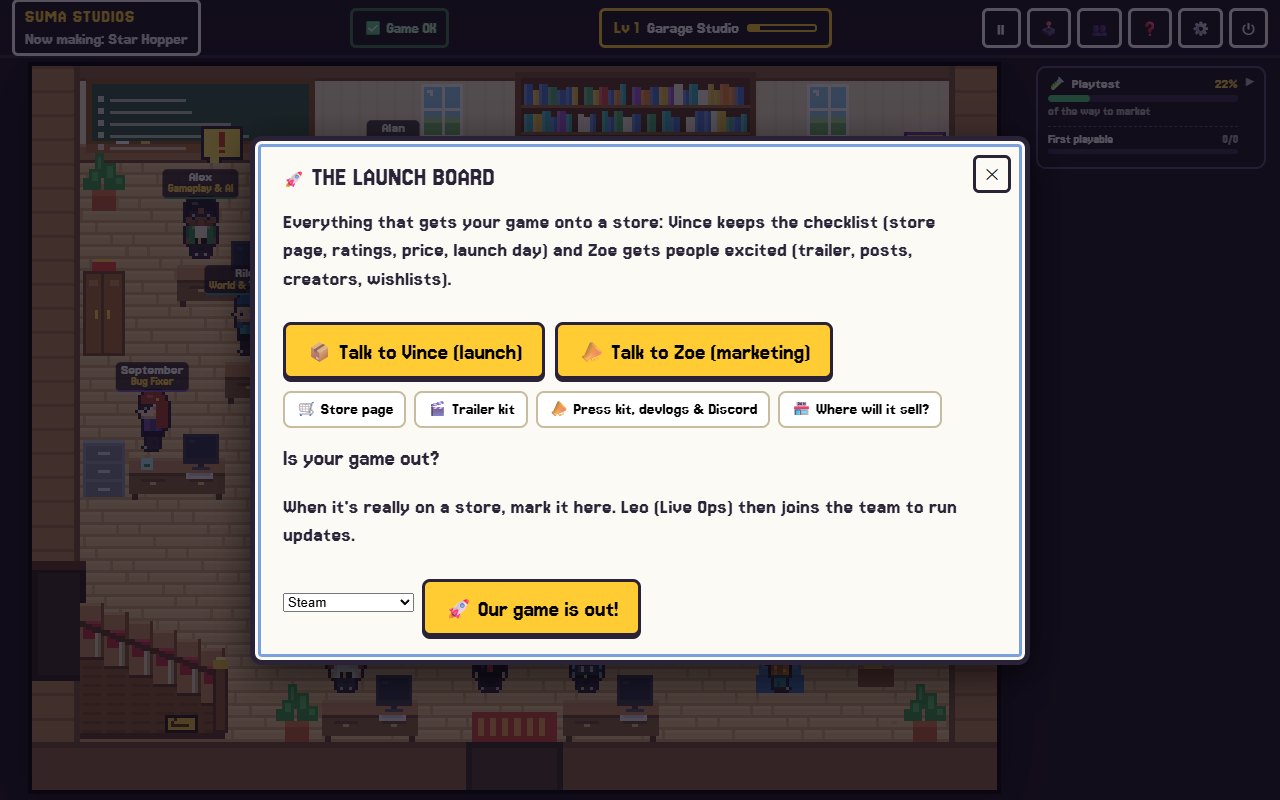
Launch is a stage of its own in Suma Studios. When the game is nearly done, the launch team comes in. Zoe, the marketing lead, writes the store page pitch. Vince, the publishing and licensing manager, recommends which stores fit your game, checks price, release date, languages, PC requirements and that tags and claims are honest, and keeps a release checklist. The launch board brings together your store page, trailer, press kit and devlogs, with teammates helping you write them.
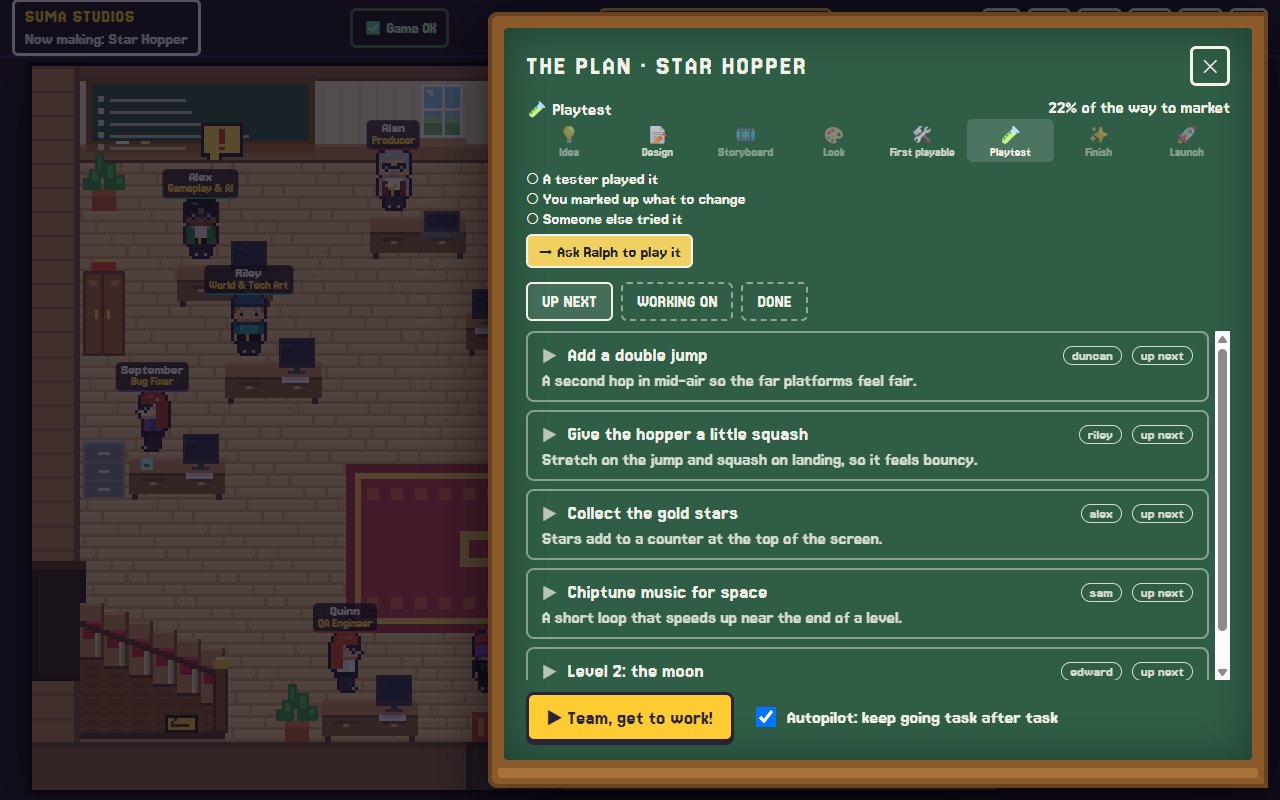
You still create the store accounts and pay the store fees yourself. After launch, Leo runs patches, updates and seasons, Dex looks after your Discord and players, and the team keeps building what players ask for.
FAQ
How much does it cost to put a game on Steam?
Steam charges a Steam Direct fee for each game, currently $100 and recoupable after the game earns a set amount. Check Valve's Steamworks site for current terms.
When should I put up my Steam page?
Many indie developers put up a "Coming Soon" page several months before launch to collect wishlists.
Do I need a publisher to launch on Steam?
No. Steam lets you self-publish through Steamworks. Some developers choose a publisher for funding or marketing help.
Is Steam the only place to launch an indie game?
No. itch.io, the Epic Games Store, Roblox and Fortnite islands are other options, depending on the game. See how to make a Roblox game or how to make a Fortnite map.
Get ready to launch
Put your store page up early, show gameplay first, and keep talking to your players. If you would like a team to help with the store page, trailer and press kit, see the features page or check pricing.
Make your game with an AI team
Suma Studios is a pixel-art game studio on your computer. Tell your team what you want, and they build it in Godot, Unreal, Roblox or Fortnite.