Blog · November 2, 2026
How to Make a Fortnite Map in UEFN: A Beginner Guide
To make a Fortnite map, you install Unreal Editor for Fortnite (UEFN) from the Epic Games Launcher, create a new island project, build it with Fortnite's ready-made props and devices, add custom logic with Verse if you need it, test it in a live Fortnite session, and then publish it through Epic's creator tools. UEFN runs on Windows PCs. Here is how each step works.
Fortnite Creative vs. UEFN
There are two ways to make a Fortnite island:
- Fortnite Creative is built into the game. You build in-game with a controller or keyboard. It is quick and fun, but limited.
- Unreal Editor for Fortnite (UEFN) is a PC editor based on Unreal Engine. It gives you far more control: custom terrain, imported models, materials, animation and the Verse programming language.
If you want a game that feels like your own, UEFN is the tool to learn.
What you need
- A Windows PC that can run Fortnite well. UEFN is demanding, so more memory and a good graphics card help.
- An Epic Games account and the Epic Games Launcher.
- UEFN installed from the launcher (it is free).
- Fortnite installed, so you can test your island live.
Step 1: Pick a game type
Fortnite players already know certain kinds of islands. Popular types include:
- Box fights and zone wars.
- Deathrun and parkour courses.
- Tycoons and simulators.
- Prop hunt, horror and escape maps.
- Team games with rounds and scores.
Choose one you can build in a few weeks. A clear, tight game beats a giant open map with nothing to do. Our game design document guide shows how to plan it on one page.
Step 2: Create your island
Open UEFN and start a new project from a template. Templates come with working examples of devices, which are the building blocks of Fortnite islands: spawn pads, item granters, timers, scoreboards, barriers, triggers and many more. Studying a template is one of the fastest ways to learn.
Step 3: Build the map
Use Fortnite's prefabs and galleries for buildings and props, sculpt terrain, and place devices where the action happens. A few good habits:
- Block out the layout with simple shapes first.
- Play through it early to check distances, sight lines and how long a round takes.
- Keep an eye on the memory budget, since islands have size limits.
Step 4: Add logic with devices and Verse
Many games can be built with devices alone, wired together with events: when a player steps on this, start that timer, then open this door. When you need something devices cannot do, Verse is Epic's programming language for UEFN. It handles custom rules, scoring, rounds, UI and more.
Verse is new for most people, including experienced programmers. If you do not want to learn it, an AI team can write it while you describe what should happen.
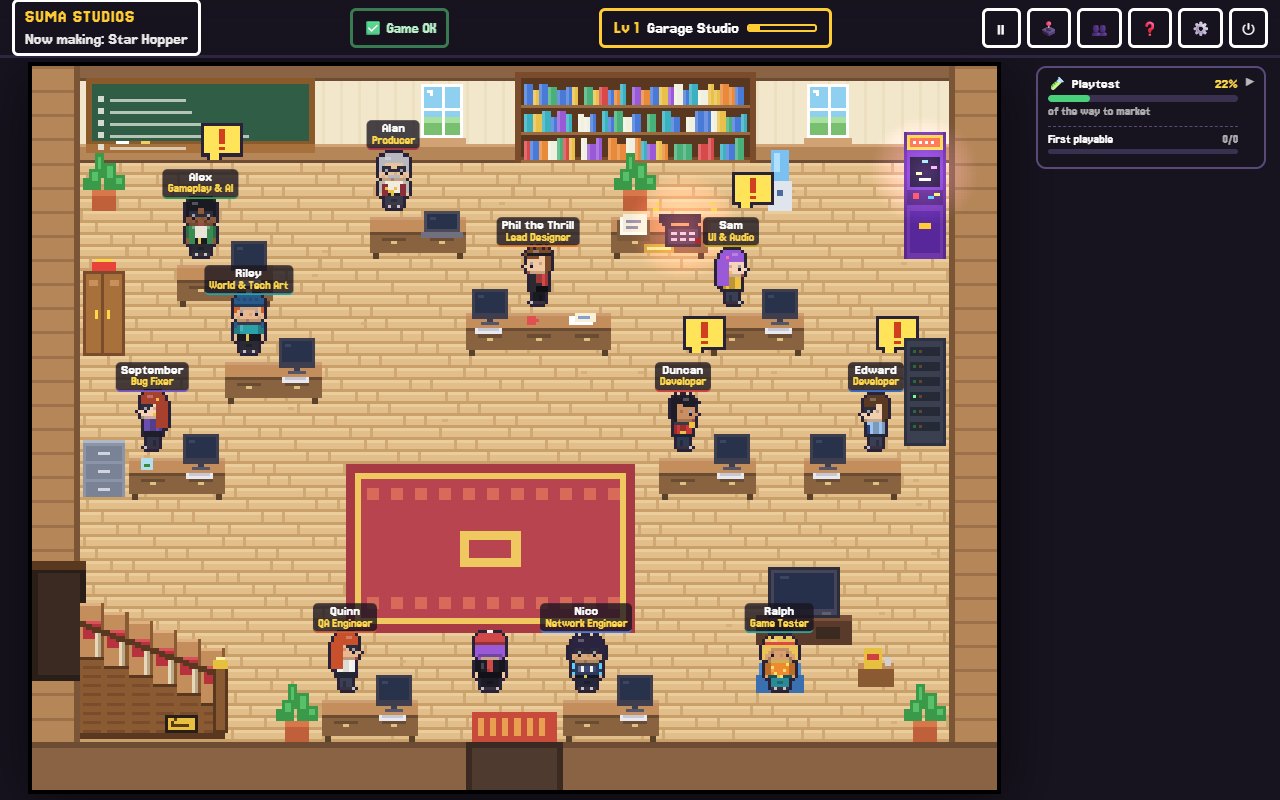
Suma Studios can build Fortnite islands when you have UEFN installed on a Windows PC. You tell the team what the island should be, they plan it on the chalkboard, and the developers build it in UEFN, including the Verse. You stay the creative director: you play it and decide what changes.
Step 5: Test it live
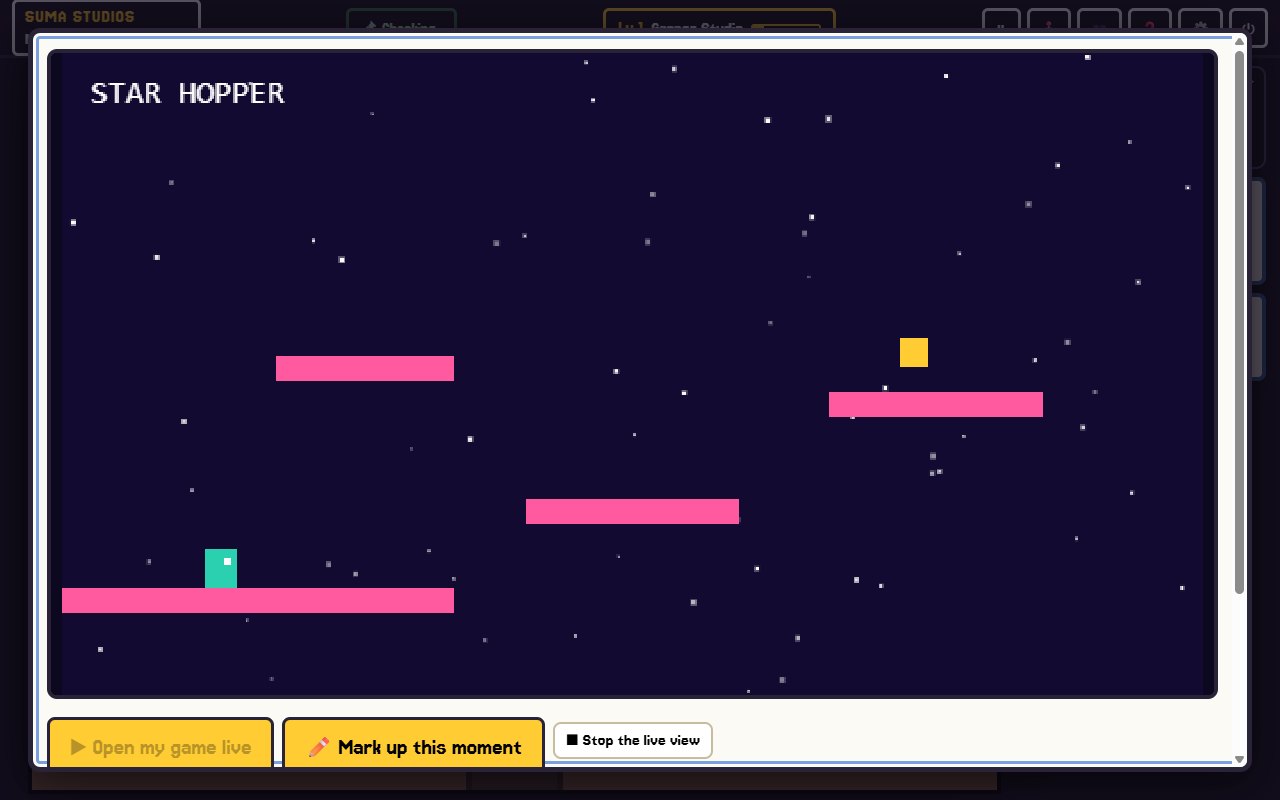
From UEFN, launch a session to play your island in Fortnite. Changes can be pushed into the running session, so you can tweak and test quickly. Bring in friends for multiplayer games, because many problems only show up with real players.
Things to check:
- Does a new player understand what to do within a few seconds?
- Do rounds start, end and reset correctly?
- Is anything too strong, too slow, or impossible?
Our playtesting guide covers how to run a good test session.
Step 6: Publish your island
To publish, you go through Epic's creator portal: you set up your creator account, fill in your island's details, title, description, tags and thumbnail, and submit it for review. Epic's rules on content, ratings and creator payouts change from time to time, so read the current official documentation before you publish or plan earnings.
A strong thumbnail and a clear title matter a lot, because that is what players see while browsing.
Step 7: Update and grow
Islands that get regular updates tend to keep players coming back. Watch your island's numbers, listen to what players say, and add new modes, maps or seasons over time.
FAQ
Is UEFN free?
Yes. Unreal Editor for Fortnite is free to download from the Epic Games Launcher.
Can I use UEFN on a Mac?
UEFN is made for Windows PCs. In Suma Studios, Fortnite islands are Windows only for that reason.
Do I need to learn Verse?
Not always. Many islands work with devices alone. Verse helps when you want custom rules or systems, and an AI team can write it for you.
Can I earn money from a Fortnite island?
Epic runs a program that pays creators of published islands based on how players engage with them. The terms change, so check Epic's official creator documentation for current details.
Build your island
Pick one game type, block it out, test it with friends and publish something small. If you want help with the building and the Verse, try Suma free or see the features page for how the team works.
Make your game with an AI team
Suma Studios is a pixel-art game studio on your computer. Tell your team what you want, and they build it in Godot, Unreal, Roblox or Fortnite.